

Table of Contents
As cryptocurrency adoption grows, so does the need for secure storage. If you are serious about protecting your digital assets, relying solely on exchanges or software wallets is risky. That’s where a Hardware Wallet comes in — and more specifically, a smartcard-based Crypto Hardware Wallet like those offered by Cryptnox.
Unlike bulky USB devices, hardware wallet smartcards combine bank-grade security with portability and convenience. In this guide, we’ll walk you step by step through how to use a hardware wallet smartcard for safe crypto storage — in a simple, human-friendly way.
What Is a Hardware Wallet Smartcard?
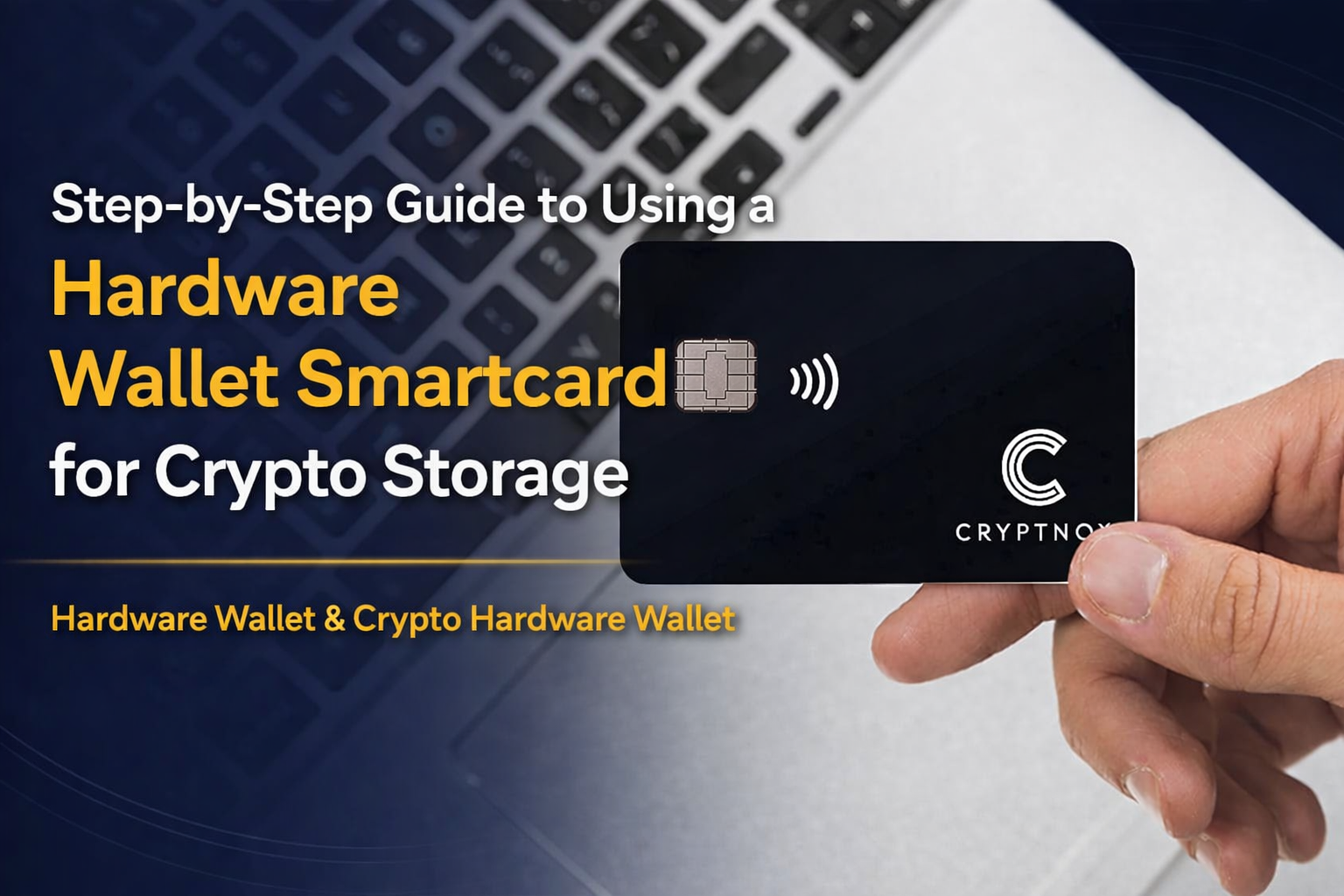
A Hardware Wallet is a physical device that stores your private keys offline. A smartcard-based Crypto Hardware Wallet takes this concept further by embedding a secure chip inside a card — similar to a credit card.
Instead of exposing your private keys to the internet, the smartcard:

- Generates keys securely inside the chip
- Keeps them offline (cold storage)
- Signs transactions internally
- Never reveals private keys
This makes it one of the safest ways to store cryptocurrency.
Why Choose a Smartcard-Based Crypto Hardware Wallet?
Before jumping into the steps, let’s understand why many crypto holders prefer this format:
- Cold storage security – No direct internet exposure
- Tamper-resistant secure chip
- Portable and slim design
- Ideal for long-term storage (HODLing)
- Protection against phishing and malware attacks
For investors holding significant funds, security is not optional — it’s essential.
Step-by-Step Guide to Using a Hardware Wallet Smartcard
Step 1: Purchase from an Official Source
Always buy your Crypto Hardware Wallet directly from the official Cryptnox website or authorized resellers. Avoid second-hand purchases.
When your smartcard arrives:
- Check for tamper-proof packaging
- Ensure activation instructions are intact
- Verify authenticity if the manufacturer provides validation tools
Security starts at the purchase stage.
Step 2: Install the Companion Application
Most smartcard hardware wallets require a companion app (desktop or mobile).
- Download the official Cryptnox app
- Install it on your device
- Ensure your device is free from malware
- Update your operating system
This app acts as a bridge between your blockchain transactions and your hardware wallet smartcard.
Step 3: Initialize the Hardware Wallet
When you first activate your Hardware Wallet, you’ll be asked to:
- Set up a PIN code
- Generate a new wallet
- Secure your recovery phrase
Important:
Your recovery phrase (seed phrase) is the master key to your crypto. Write it down offline. Never:
- Take screenshots
- Store it in cloud storage
- Share it with anyone
If someone gets your seed phrase, they control your funds.
Step 4: Backup Your Recovery Phrase Securely
This is the most critical step.
Best practices:
- Write it on paper and store in a safe
- Use a metal backup plate for fire protection
- Store backups in separate physical locations
Your Crypto Hardware Wallet protects you digitally — but physical security is your responsibility.
Step 5: Add Cryptocurrency Accounts
Once initialized:
- Open the companion app
- Connect your hardware wallet smartcard
- Add the cryptocurrency you want to store (Bitcoin, Ethereum, etc.)
- Generate receiving addresses
The private keys remain inside the smartcard’s secure chip.
Step 6: Transfer Crypto to Your Hardware Wallet
Now you can move funds from an exchange or another wallet.
Steps:
- Copy your receiving address from the app
- Paste it into the exchange withdrawal section
- Confirm carefully (double-check the address)
- Approve the transaction
Once transferred, your crypto is now in cold storage — secured by your Hardware Wallet.
Step 7: Signing Transactions Securely
When you want to send crypto:
- Initiate the transaction in the app
- The smartcard signs the transaction internally
- Approve using your PIN
- Broadcast the transaction
Your private key never leaves the card — this is the core strength of a Crypto Hardware Wallet.
Step 8: Keep Firmware Updated
Security evolves constantly.
- Regularly check for official firmware updates
- Only download updates from Cryptnox
- Never use unofficial third-party tools
Updates patch vulnerabilities and enhance security features.
Step 9: Store the Card Safely
Treat your hardware wallet smartcard like a bank card holding your entire crypto wealth.
- Keep it away from moisture
- Avoid bending
- Store in a secure place when not in use
If lost, you can recover funds using your seed phrase — but prevention is better.
Common Mistakes to Avoid
Even with a secure Hardware Wallet, users make errors. Avoid these:
❌ Sharing recovery phrase
❌ Storing seed phrase digitally
❌ Buying from unofficial sellers
❌ Ignoring firmware updates
❌ Falling for phishing emails
Remember: most crypto theft happens due to human error — not hardware failure.
Who Should Use a Crypto Hardware Wallet?
A hardware wallet smartcard is ideal for:
- Long-term crypto investors
- Institutional holders
- High-net-worth crypto users
- DeFi participants
- Anyone serious about self-custody
If you control your private keys, you control your crypto.
Final Thoughts
In the crypto world, security is everything. Exchanges can be hacked. Software wallets can be compromised. But a Hardware Wallet, especially a smartcard-based Crypto Hardware Wallet, offers one of the highest levels of protection available today.
By following this step-by-step guide, you can:
- Safely store your crypto offline
- Protect against hackers and malware
- Maintain full ownership of your digital assets
Cryptocurrency gives you financial freedom — but with that freedom comes responsibility. A hardware wallet smartcard ensures that responsibility is backed by powerful security technology.
If you’re serious about protecting your digital wealth, now is the time to upgrade your storage strategy.
